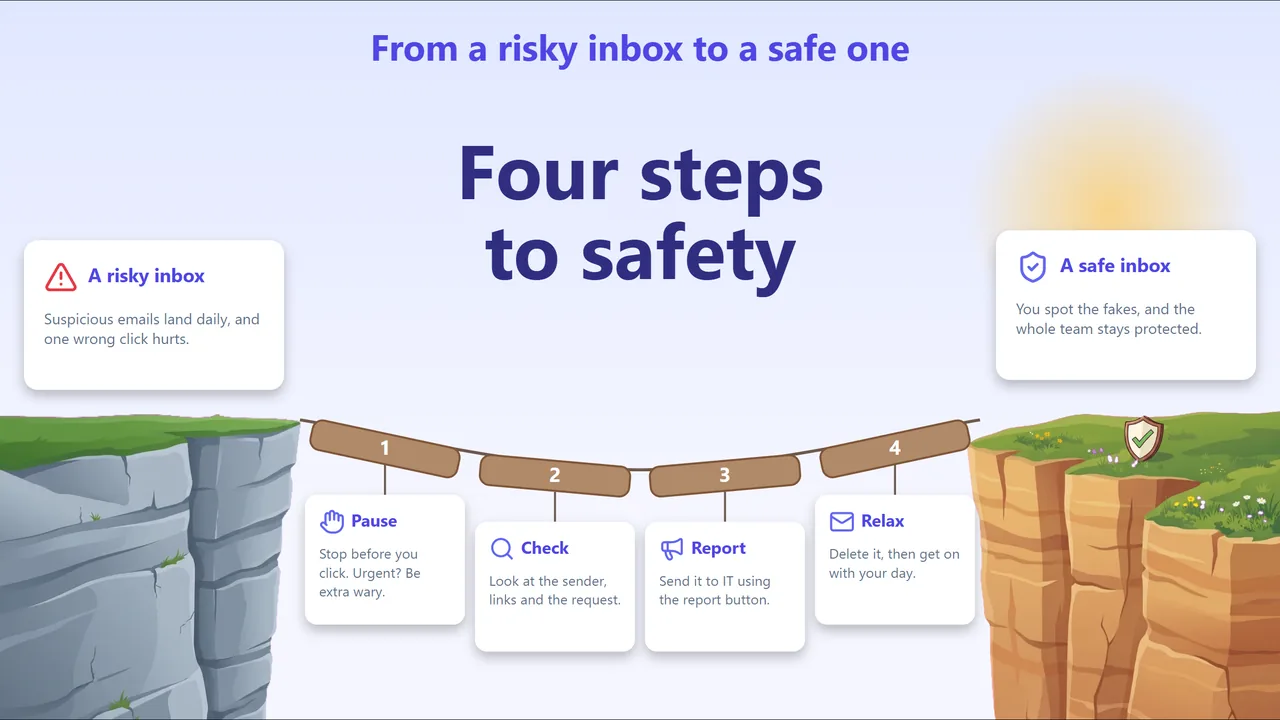
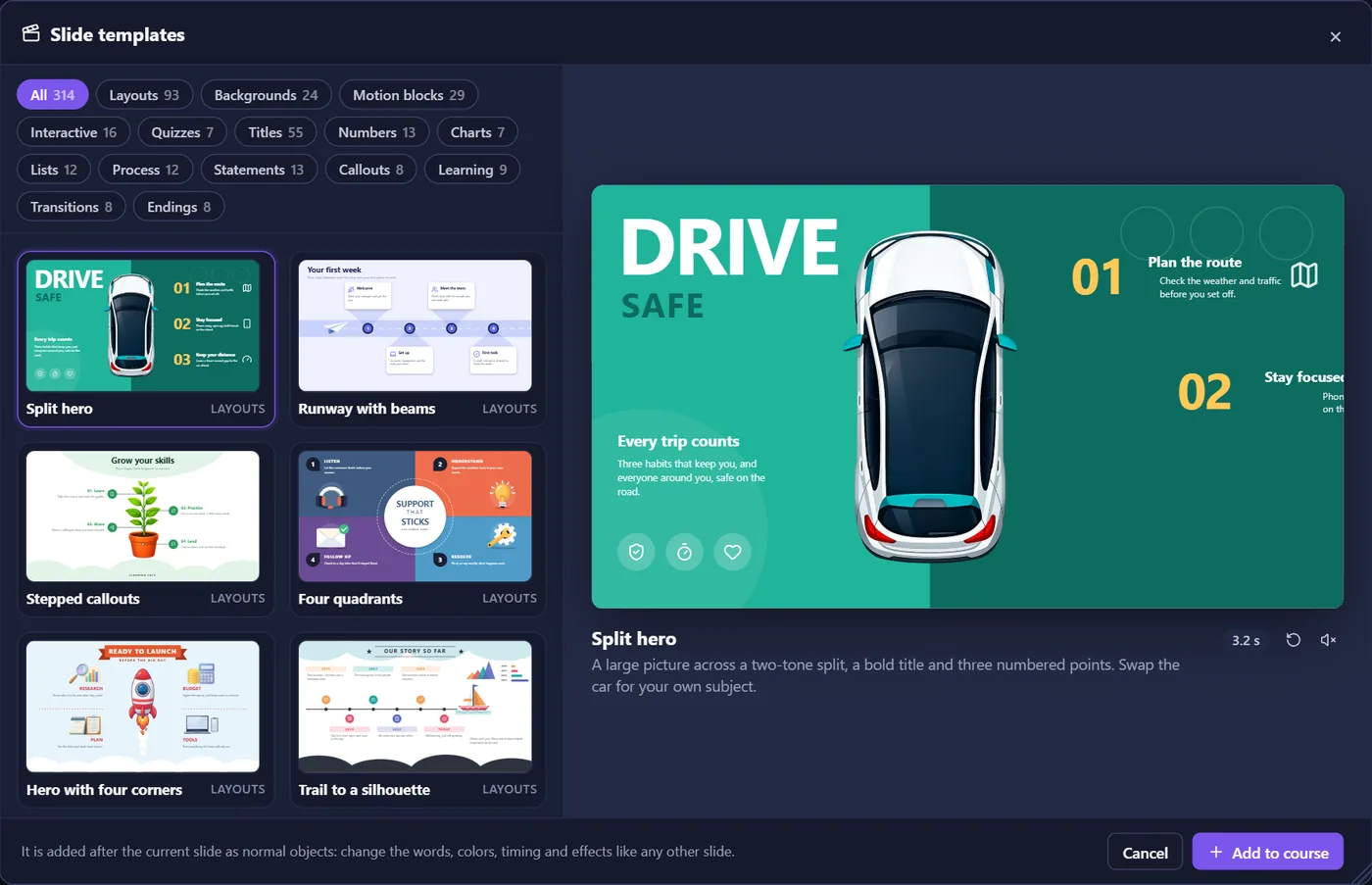
New Build with AI drafts a course from a brief

Make courses
that respond.

EazyLearn is the course builder that lives in your browser. Lay out slides, add layers and states, write triggers as plain sentences, and publish to the web or any LMS. Nothing to install.

No card needed · Cancel any time · Your courses stay yours

46entrance and exit effects, from fades to per-letter text
~11KBplayer inside every published course (gzipped)
SCORM1.2completion, score and pass/fail, reported to your LMS
0installs. It runs in a browser tab and saves as you go

How it works

From blank slide to live in your LMS.

  1. 01

    Lay it out

    Text, shapes, buttons, images, video and audio on a canvas with snapping guides. Start from designed templates for title slides, click-to-reveal cards, quizzes and results.

  2. 02

    Make it respond

    Give objects states, stack layers on a slide, and wire it all up with triggers you read like sentences. Variables carry scores and choices from slide to slide.

  3. 03

    Get it reviewed

    Publish to a review link and send it round. Reviewers click on the slide to leave a comment. They don't need an account.

  4. 04

    Publish anywhere

    Export a web package that opens from any host, or a SCORM 1.2 package for your LMS. Learners pick up where they left off.

Features

Everything a serious course needs.
Nothing to install.

Feedback · Try againFeedback · CorrectBase layer

Layers and states

Pop-ups, feedback and reveals live on layers above the slide. Buttons get Hover, Down, Visited and your own states, each storing only what changes.

Title Image Button

A timeline per layer

Drag bars to choose when each object appears and leaves, then fire triggers when the timeline reaches a moment.

Animate

46 effects

Fades, flies, pops, 3D flips, wipes and per-letter text, with a live preview as you hover.

ABC80%Passed

Quizzes and scoring

One click makes a question slide with Submit and feedback. Set a pass mark and a results slide does the rest.

%Quiz.ScorePercent%%Name%%Slide.Number%

Variables

Numbers, text and true/false, shown in any text box and tested in any trigger.

Course Map

Every slide and every path between them, on one board.

Motion blocks

Ready-made motion graphics you set up with a few settings, not a timeline full of keyframes.

Saved just now

Autosave and unlimited undo

Work is kept as you go. Save a project file whenever you like.

Early access Build with AI

Describe the lesson.
Get slides you can edit.

Write a brief and EazyLearn drafts the slides: layout, text and pictures, as ordinary objects you can move, restyle and wire up like anything you made yourself.

  • Real slides, not pictures of slides
  • Matches your course's look
  • Paid with credits included in Pro

Pricing

Try everything for 14 days.
Then pick the plan that fits.

Creator

For one author building courses on their own.

$23/ month

$276 billed yearly

Start free trial
  • Unlimited courses and slides
  • Layers, states, triggers and variables
  • All 46 effects and slide templates
  • Web (HTML5) and SCORM 1.2 publishing
  • Review links with comments
Most popular

Pro

For authors who ship often and want AI help.

$47/ month

$564 billed yearly

Start free trial
  • Everything in Creator
  • Build with AI, with monthly credits
  • Motion blocks
  • "My courses" for everything you've published
  • Priority email support

Organization

For teams that need invoicing and their own terms.

Custom

Volume pricing for 5+ authors

Contact us
  • Everything in Pro
  • Pooled AI credits
  • Invoicing and purchase orders
  • Onboarding help for your team

Every trial starts on Pro. No card needed, and nothing is charged until you choose a plan.

FAQ

Questions,
answered.

What happens when my trial ends?

You choose a plan to keep building. Courses you've already published keep working wherever you put them, and your project files are always yours to keep.

Do my learners need an EazyLearn account?

No. A published course is a set of ordinary web files with a small player. Learners open it on your website or in your LMS, and reviewers comment on a review link, without signing up.

Will it work with our LMS?

If your LMS takes SCORM 1.2 packages, yes. The course reports completion, score and pass/fail, and remembers where each learner left off. You can also host the web version anywhere that serves files.

Do I need to install anything?

No. EazyLearn runs in a browser tab and saves your work as you go. You can also save a project file to keep or share.

How do AI credits work?

Pro includes a monthly allowance of credits for Build with AI. Drafting slides uses credits; editing what it made doesn't. Organizations can pool credits across their authors.

Can I cancel any time?

Yes. Cancel from your account and you won't be charged again. Yearly plans run to the end of the year you paid for.
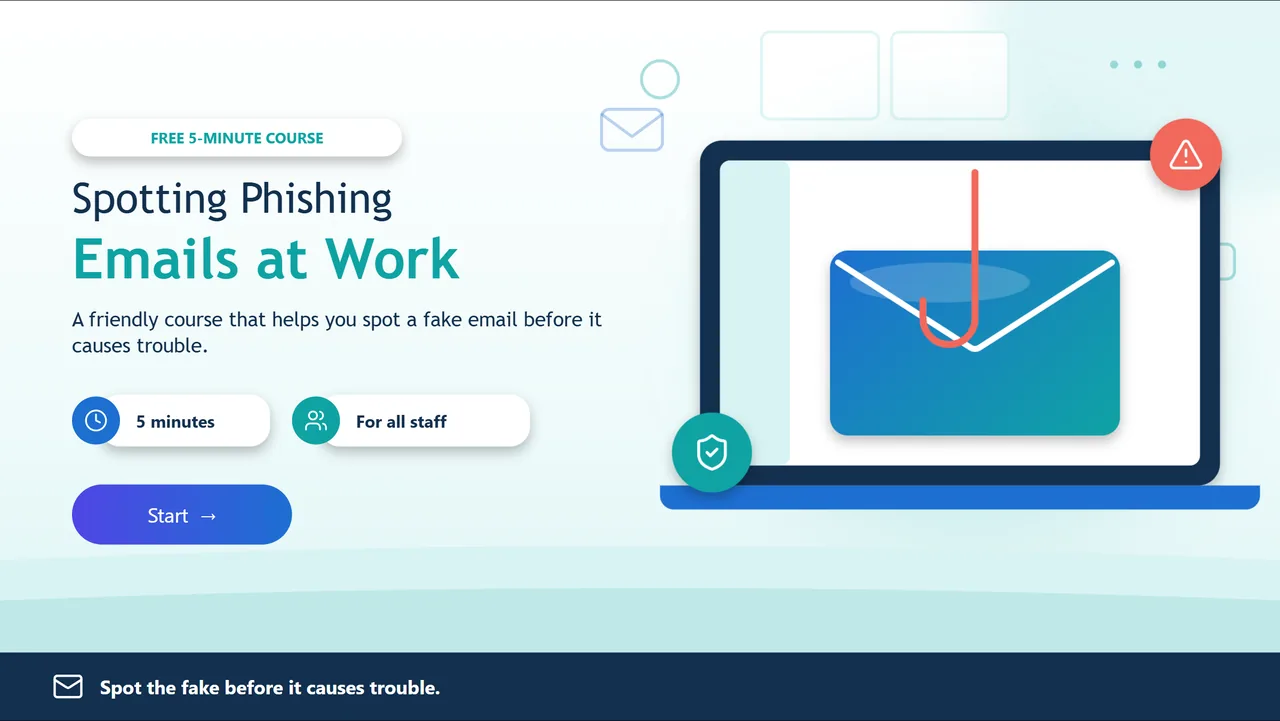
Your next course,
live this week.

Start with a template or a blank slide. You'll have something clickable in minutes.